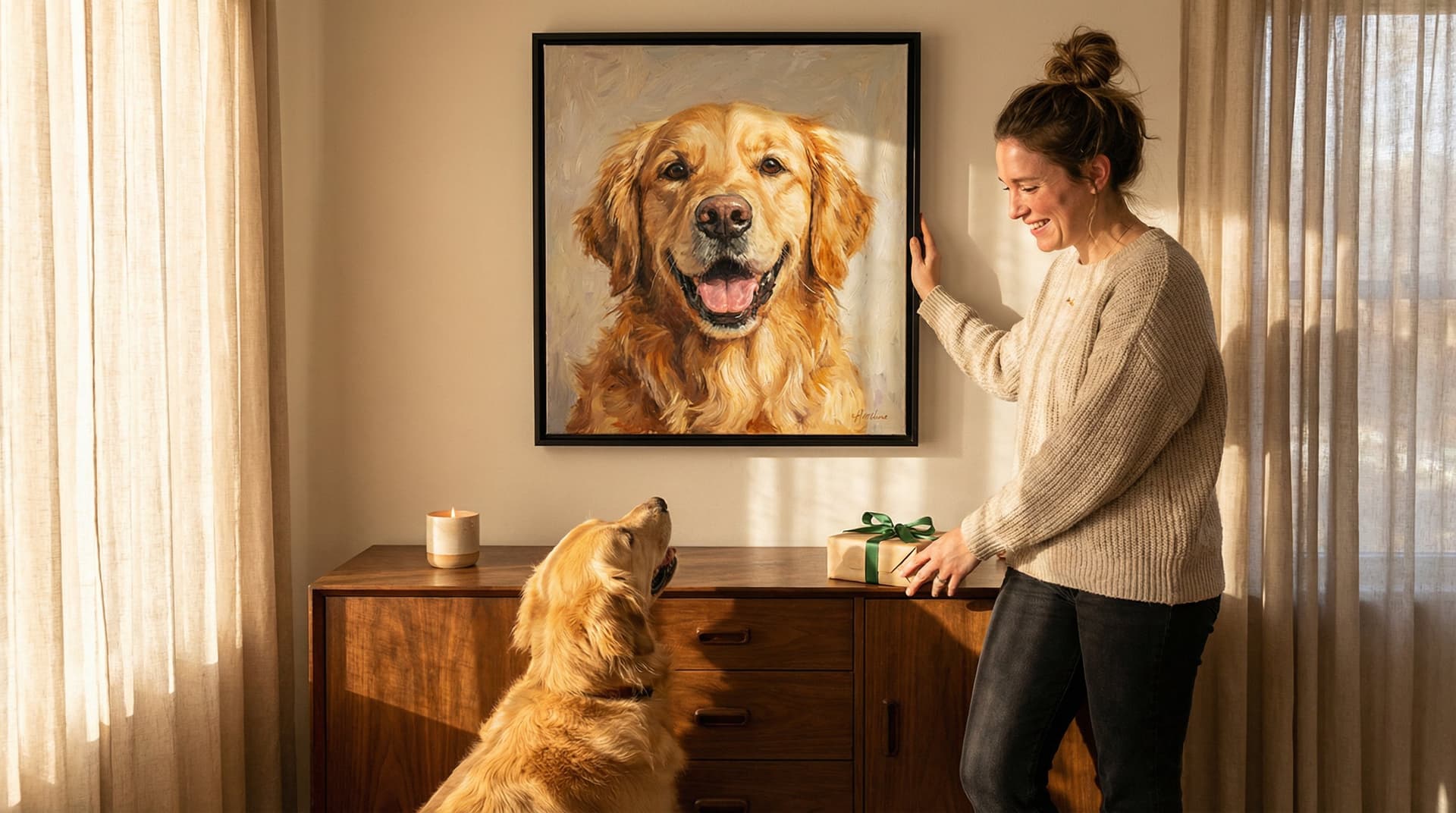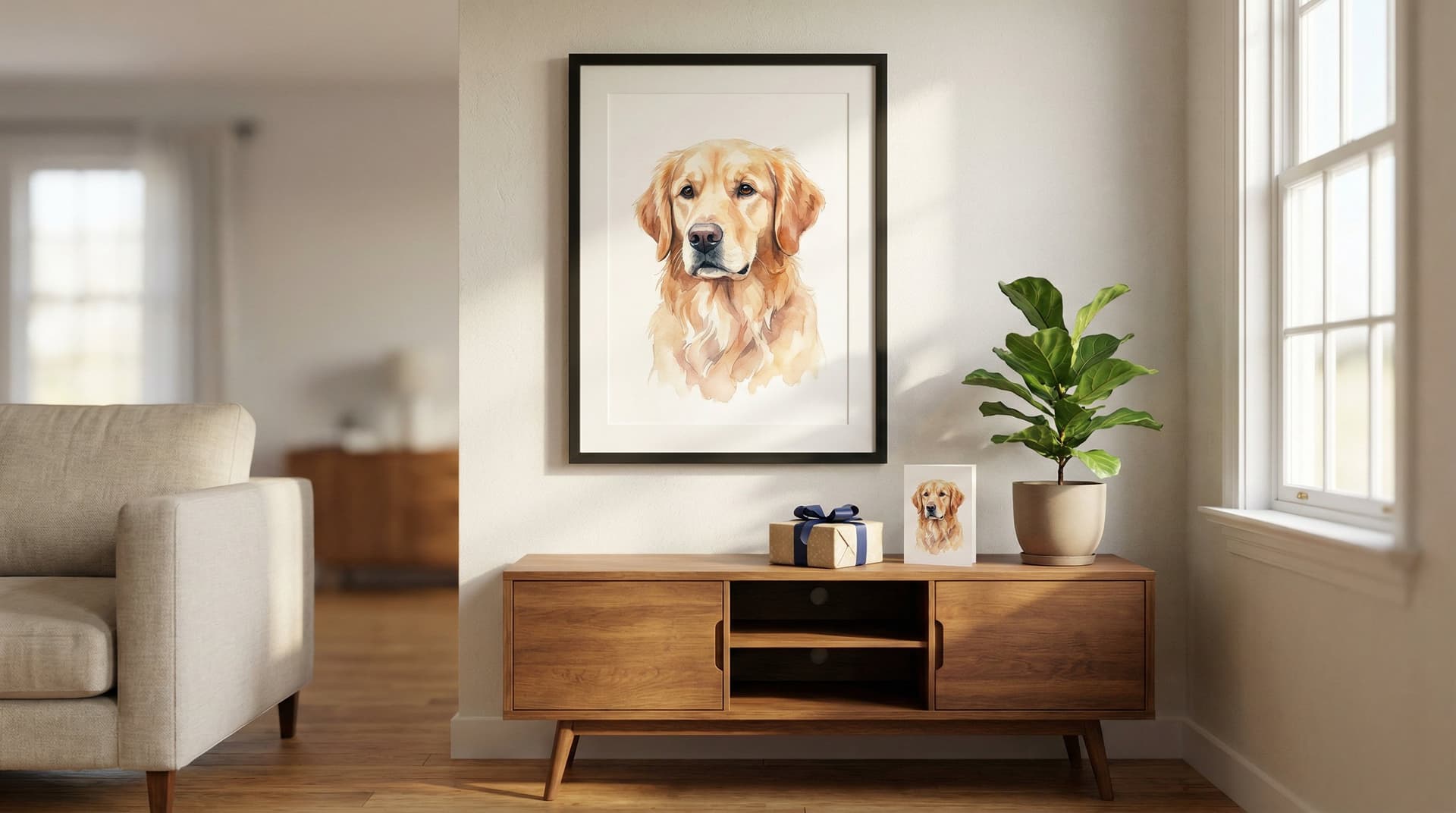

We love turning our dogs into art, the kind that makes guests stop, smile, and ask where we got it. In this guide we'll walk you through the exact steps to transform any photo into high‑quality AI dog art in about 60 seconds, choose from 70+ styles, and get a 4K-ready file you can print or share. Whether you want a bold pop-art piece for your living room or a soft watercolor for a nursery, we'll show how to prepare your photo, pick settings, generate variations, and produce print-ready files, fast and with zero artistic skill required.
Upload Your Dog Photo: Prep, File Types, And Quick Tips
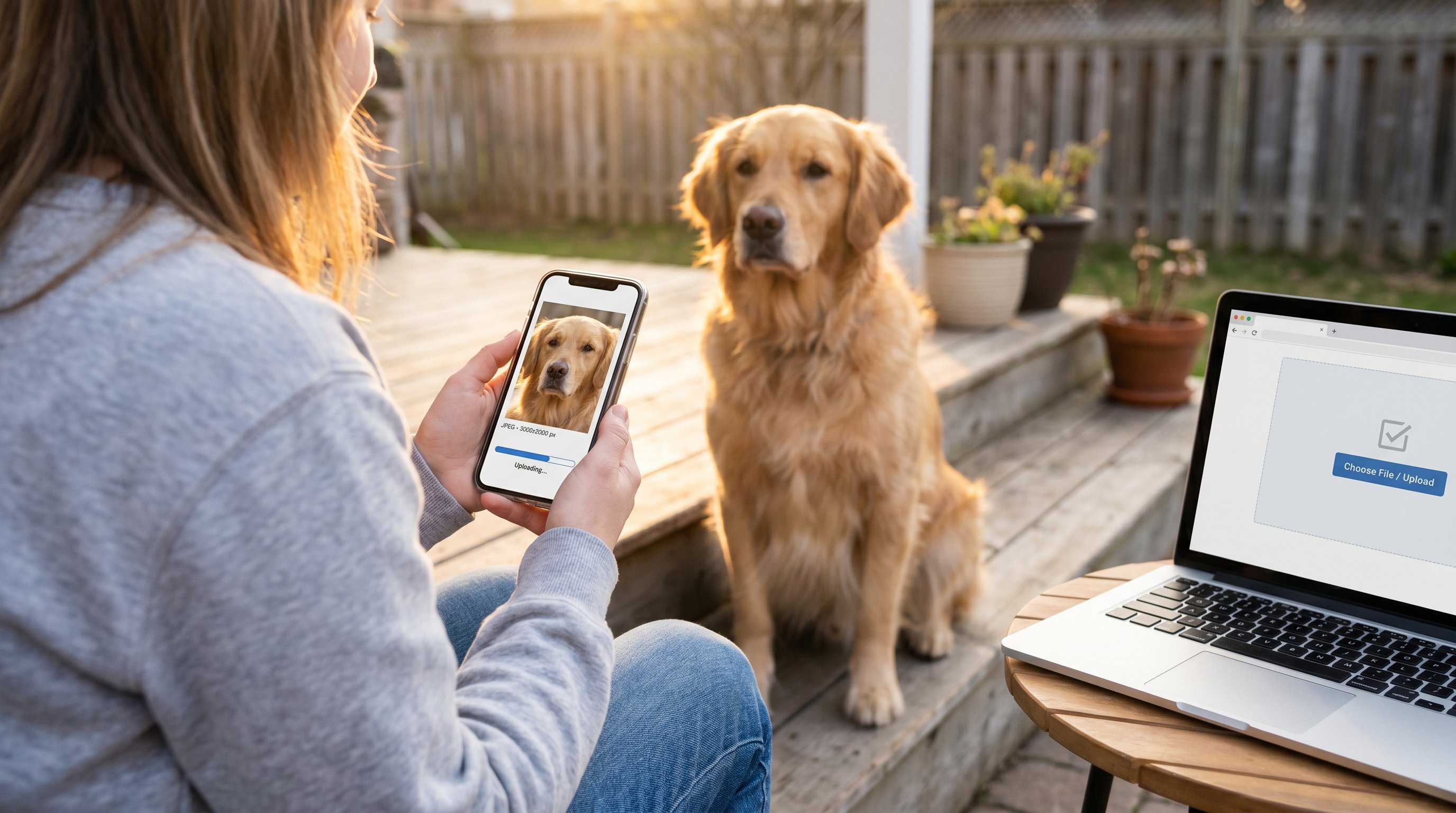
Why it matters
A great final portrait starts with a great photo. The AI can do a lot, but giving it a clean, well-lit image of your dog saves time and delivers sharper, more expressive art.
How to prepare your photo
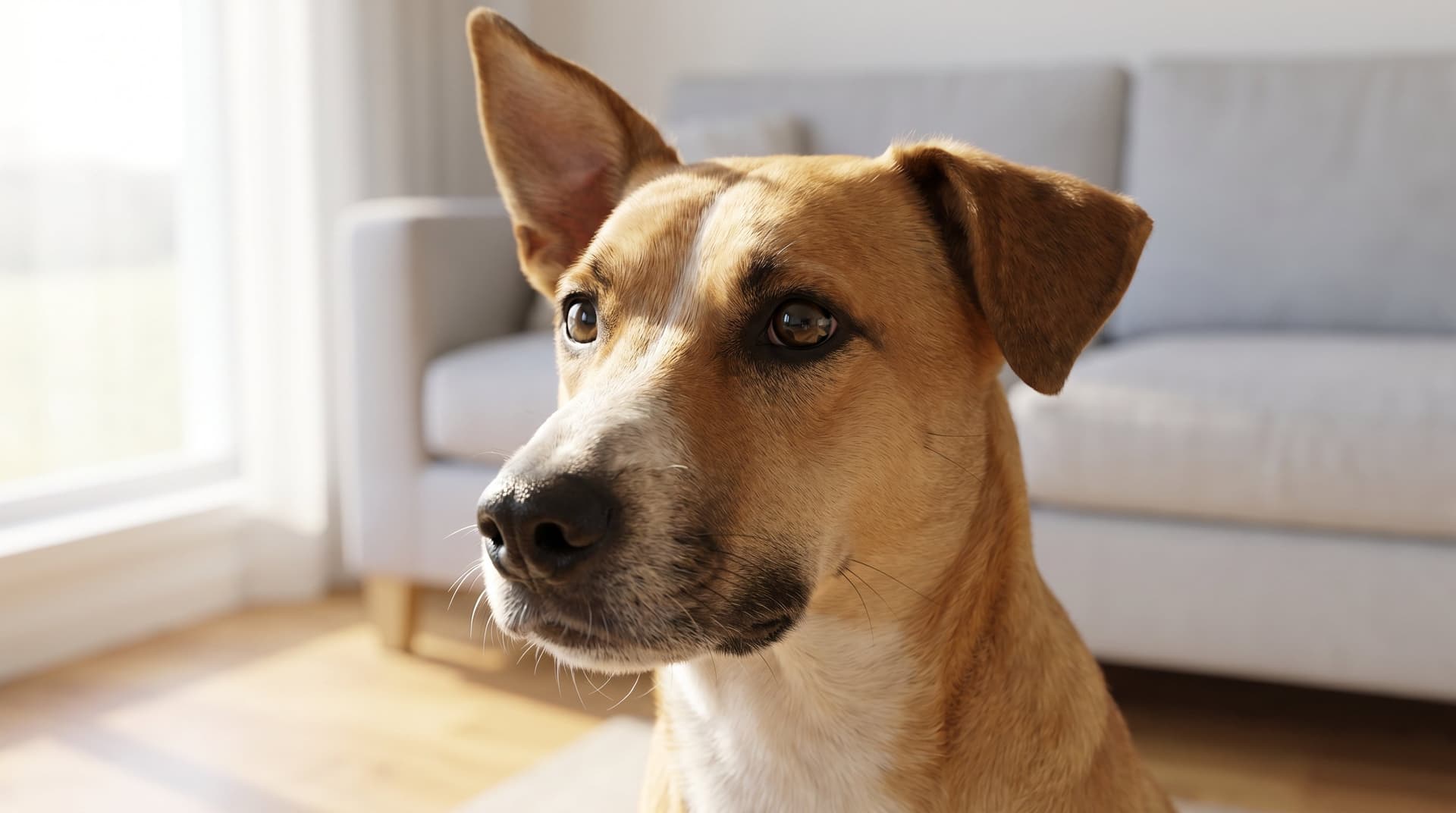
- Choose a clear, focused image where your dog is the main subject. Face and eyes should be visible, the AI uses those cues for expression.
- Aim for good lighting: natural light or soft indoor light reduces harsh shadows. Avoid strong backlight unless you want a silhouette look.
- Shoot at the highest resolution available. For crisp 4K output we recommend at least 2,000 px on the short side.
Accepted file types and size
- Use JPEG or PNG for fastest uploads: TIFFs are supported if you have them. Large files up to several MB are fine.
- If your phone saves HEIC, convert to JPEG or upload from the phone's share options.
Quick fixes for common photo issues
- Blurry photo: try cropping to the sharpest area around the eyes and muzzle before upload.
- Busy background: a simple crop or an edit to increase contrast will help the AI focus on your dog.
- Multiple dogs: upload one dog per order for best composition: if you want a group portrait, pick an image where all faces are visible and separated.
Pro tips and do's & don'ts
- Do: Capture your dog at eye level for natural proportions.
- Don't: Use extreme fisheye or heavily filtered photos, these can confuse facial cues.
- Do: Try a couple of angles (front facing, three-quarter) to see which one the AI renders best.
Where to upload
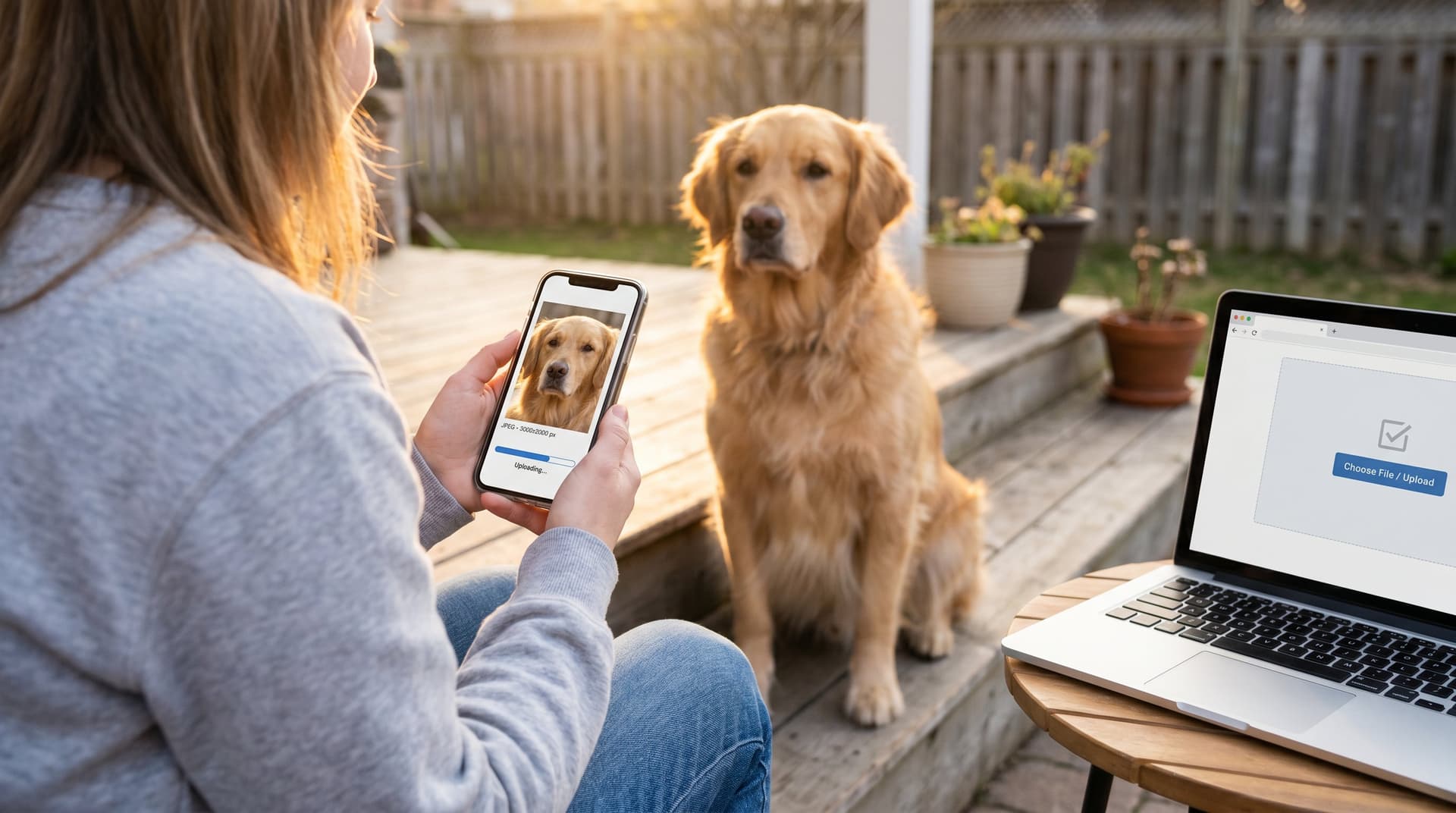
When you're ready, upload the photo into our AI dog art generator, it processes images in about 60 seconds and keeps your original safe. For options on styles and pricing, visit our AI dog art generator. If you want to explore the range of our generator first, the AI dog art page explains the technology and what to expect.
Choose A Style And Customize Settings (Colors, Backgrounds, And Finishes)
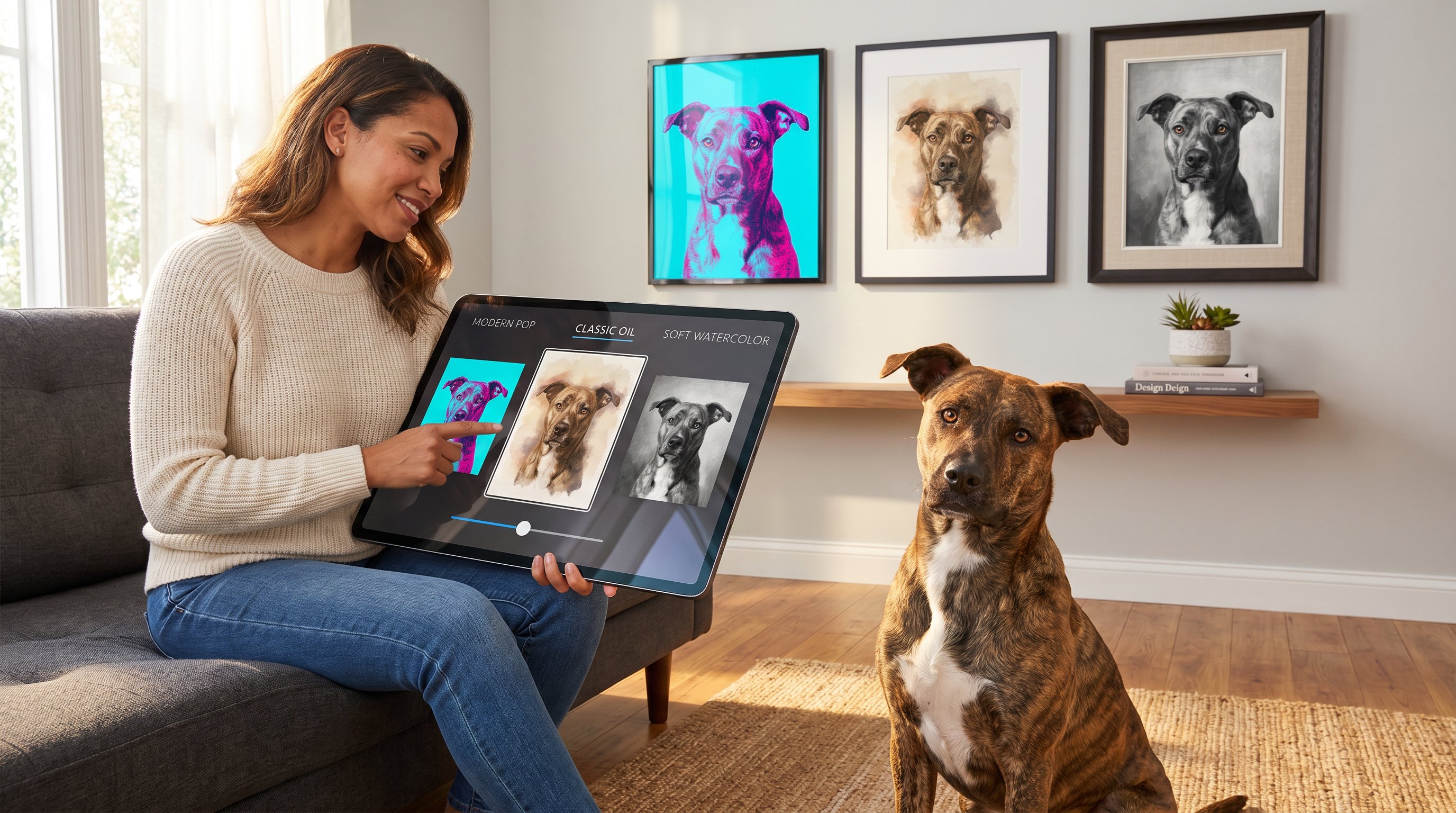
Why choosing the right style matters
Style determines mood. A vibrant pop-art palette creates energy, while muted watercolors feel sentimental. We offer 70+ styles so you can match your home, gift recipient, or brand.
How to pick a style
- Start by thinking about placement: bold, contrasty styles read well in living rooms: subtle textures work for bedrooms.
- Use our preview gallery for inspiration, examples show how different styles handle fur, eyes, and backgrounds.
Customizable settings explained
- Color palette: pick from full color, duotone, or monochrome. Full color preserves the original coat: duotone makes a striking statement.
- Backgrounds: keep the original, choose a solid color, or add a stylized backdrop. Solid backgrounds often make the dog pop in gallery walls.
- Finishes: matte looks modern and reduces glare for framed prints: glossy boosts saturation for smaller pieces.
Practical examples
- Living room focal piece: choose a high‑contrast, textured style in vivid color and a neutral background to anchor your decor.
- Gift for a new dog parent: soft watercolor with warm tones and a subtle vignette feels personal and cozy.
Shortcuts and presets
- Use curated presets (e.g., "Modern Pop," "Classic Oil," "Minimalist Line") to get instant, polished looks without tweaking sliders.
- For fast results, select the "auto-enhance" toggle to optimize colors and eye detail for 4K output.
Accessibility and composition tips
- If your dog has patterned fur or small markings, choose a detailed style that renders textures accurately.
- For dogs with dark coats, pick styles that emphasize highlights so facial features remain readable.
If you want to review specific custom options or see side‑by‑side comparisons, try our custom dog art page where we break down finishes and frames. To see how other customers styled their portraits for different rooms, browse the gallery.
Generate, Review, And Pick Your Favorite Portraits — Use Previews And Variations
Why iteration matters
One click doesn't always capture the emotion you want. Generating previews and variations helps you zero in on the exact expression, crop, and color treatment that feels like your dog.
Step‑by‑step generation process
- Hit Generate: the AI creates a set of initial previews (usually 6–12) in your chosen style in about 60 seconds.
- Scan for eye contact: prioritize images where the eyes are sharp and expressive, that's what people notice first.
- Request variations: use the variation tool to tweak pose, crop, or color balance on any preview you like.
- Use Compare mode: place two or three previews side by side to evaluate size, background, and overall impact.
What to look for during review
- Facial fidelity: Are the eyes and snout accurately represented?
- Fur texture: Does the style preserve distinguishing marks and patterns?
- Composition: Is there enough breathing room around the head for framing?
Common adjustments and fixes
- If the AI crops too tight: request a wider crop or upload a slightly larger canvas.
- If colors feel off: nudge the color temperature or switch to a different palette preset.
- If the expression looks altered: choose a different source photo or request a variant that emphasizes the original gaze.
Pro tips for faster decisions
- Use the "favorites" heart on previews to shortlist top picks, then create final high‑res renders only for those, saves time and credits.
- Keep an eye on our refund and regeneration promise for peace of mind: details are on the refund page.
Impact and ethical notes
We value shelter partners and adoptive stories, many customers use portraits to celebrate rescue dogs. For facts about dogs and their behavior, reliable resources like the domestic dog facts page provide helpful context. If you're adopting, sites such as the Animal Humane Society adoption list are great places to meet dogs and puppies.
Download, Print, And Share Your Dog Art — Sizes, Products, And Troubleshooting
Why output options matter
A 4K AI file is useful only if you pick the right size and product. Printing choices change how colors render and how the piece reads on your wall.
Download formats and resolution
- We deliver 4K (3840×2160) PNG or JPEG by default. For large giclée prints, request TIFF at export.
- Choose PNG when you need a transparent background for composite layouts: pick JPEG for smaller file sizes and easier printing.
Product options
- Framed prints: choose museum‑style frames or floating frames depending on decor.
- Canvas wraps: great for texture and scale: matte finishes reduce glare in bright rooms.
- Digital downloads: perfect for social sharing, phone wallpapers, or sending as gifts.
Sizing guide
- Small prints (8×10 to 11×14): ideal for desks and shelves.
- Medium prints (16×20 to 18×24): work well above sofas or as part of a gallery wall.
- Large prints (24×36+): use for statement pieces: verify viewing distance so detail reads correctly.
Printing tips and color management
- Calibrate your printer or use a professional print lab for color-accurate results. Upload the file directly to the print service and select the matching color profile when available.
- If colors appear too warm or saturated, choose a matte finish or use a softening filter before exporting.
Troubleshooting common issues
- Banding or pixelation: ensure you downloaded the 4K/TIFF file and not a compressed thumbnail.
- Background halos around fur: request the PNG with a trimmed alpha or ask for a tighter mask during variation.
- Print edge cropping: add 0.5–1 inch of safe area around the subject when placing orders.
Share and protect your work
Once you're happy, download and share the file with friends, or order direct from our order page to get a ready‑to‑hang piece. If you need help with sizing or printable formats, our faq covers common printing questions and best practices. For background on dog care and how art can celebrate pet lifecycles, the ASPCA's general dog care resources are a helpful companion.
Frequently Asked Questions about AI Dog Art from Photos
What photo qualities are best for creating AI dog art from a photo?
Use a clear, focused image where your dog is the main subject with visible eyes and face. Good natural or soft indoor lighting, high resolution (at least 2,000 px on the short side), and minimal background distractions produce sharper, more expressive AI dog art.
How do I choose the right style for my AI dog art print?
Select a style that fits the space and mood you want to set. Bold, contrasty pop-art suits living rooms, while muted watercolor styles work well for nurseries. You can choose from over 70 styles and customize colors, backgrounds, and finishes to match your decor or gift preferences.
Can I create AI dog art featuring multiple dogs in one portrait?
For best composition, upload one dog per order. If you want a group portrait, select an image where all dogs’ faces are clearly visible and well separated to help the AI capture each expression accurately.
What file formats and sizes will I receive for AI dog art downloads?
You get high-resolution 4K files in PNG or JPEG formats by default, suitable for prints and digital sharing. For large giclée prints, TIFF files are available. PNG supports transparent backgrounds, while JPEG offers smaller file sizes for easier printing.
How can I ensure my AI dog art prints look their best when printed?
Calibrate your printer or use a professional print lab with the correct color profiles for accurate colors. Matte finishes reduce glare in bright rooms, and adding a safe margin around your dog’s image prevents unwanted cropping on prints.
Are there ethical considerations or special stories behind AI dog art creations?
Many customers honor rescue dogs with AI dog art portraits, supporting shelter partners. For more on dog behavior and pet care, trusted resources include the domestic dog facts and general dog care pages, enriching your art with meaningful context.