
We love turning a single favorite photo of your dog into a pixel-perfect keepsake, fast and fuss-free. In this guide we'll walk you through every step: choosing the right photo, preparing it for pixel conversion, picking styles and color palettes, what the AI actually does, and how to download, print, and gift a 4K pixel portrait. By the end you'll have everything you need to create a charming, high-resolution pixel portrait that looks great on your wall or makes a heartfelt gift.
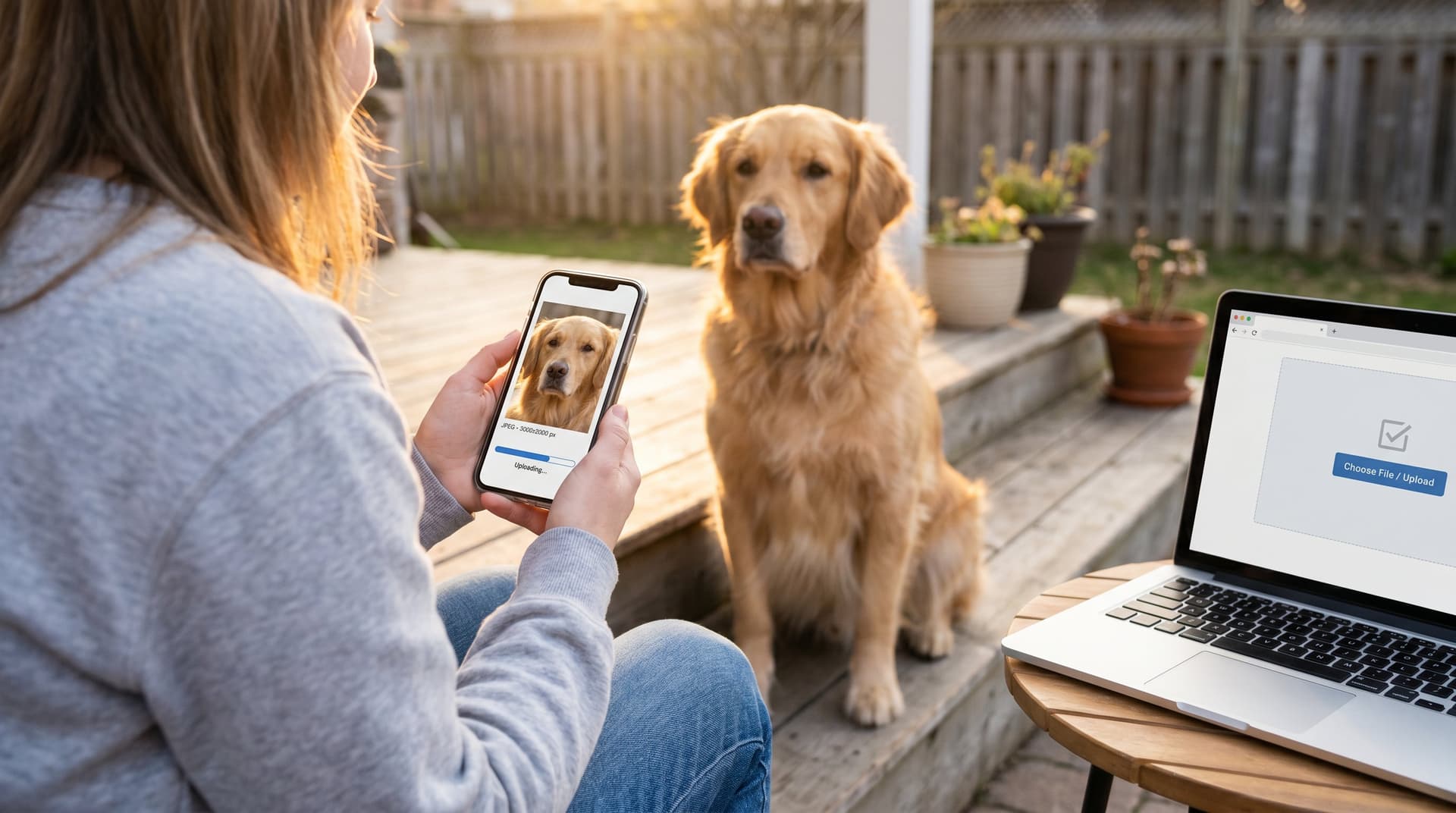
Upload Your Dog’s Best Photo (What To Look For And Why It Matters)
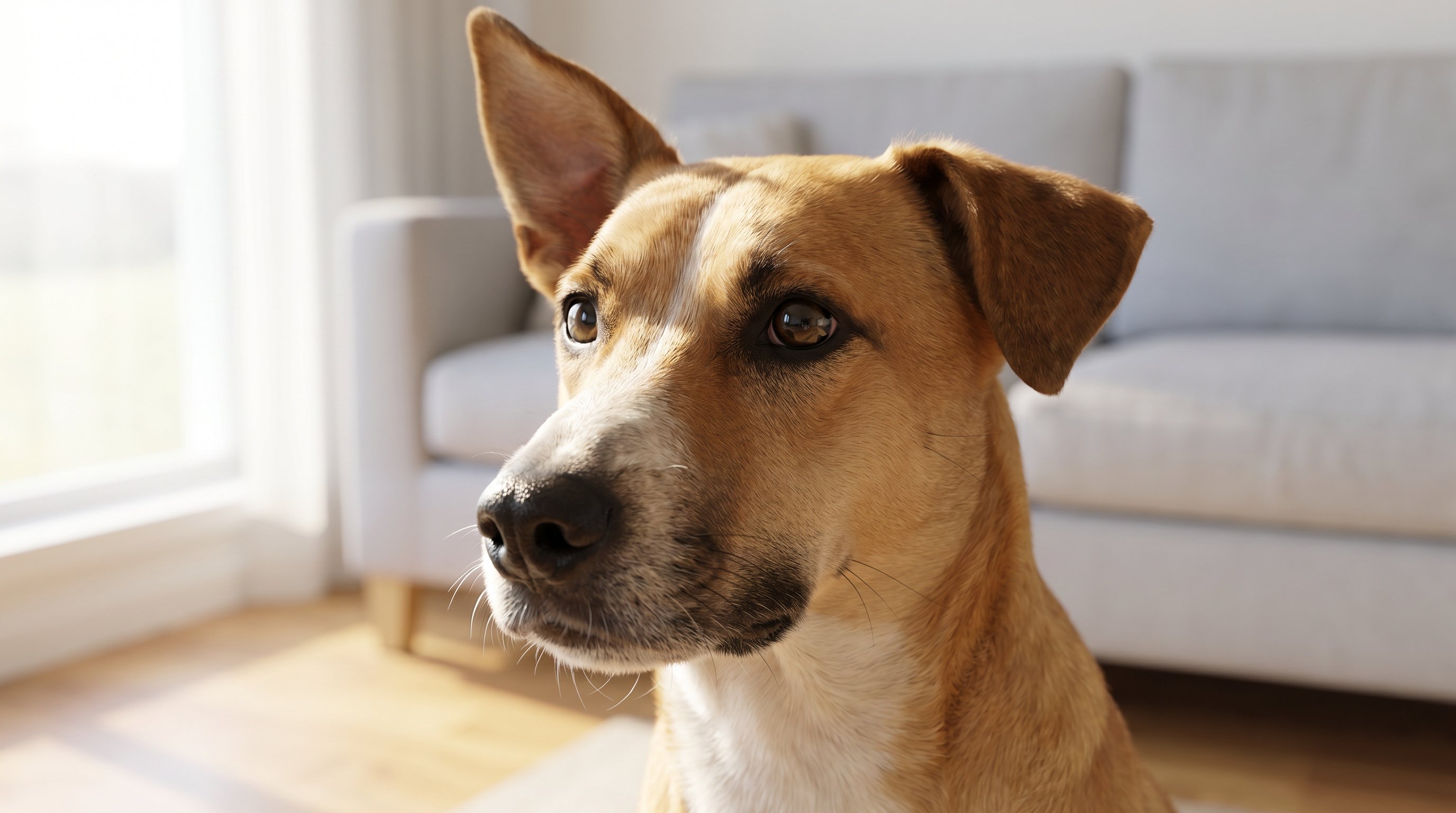
Why this step matters: A great pixel portrait starts with a clear photo. Pixel art reduces detail intentionally, so the photo must contain the essential features we want to keep, expression, ear shape, snout silhouette, and eye catchlights.
What to look for and how to choose:
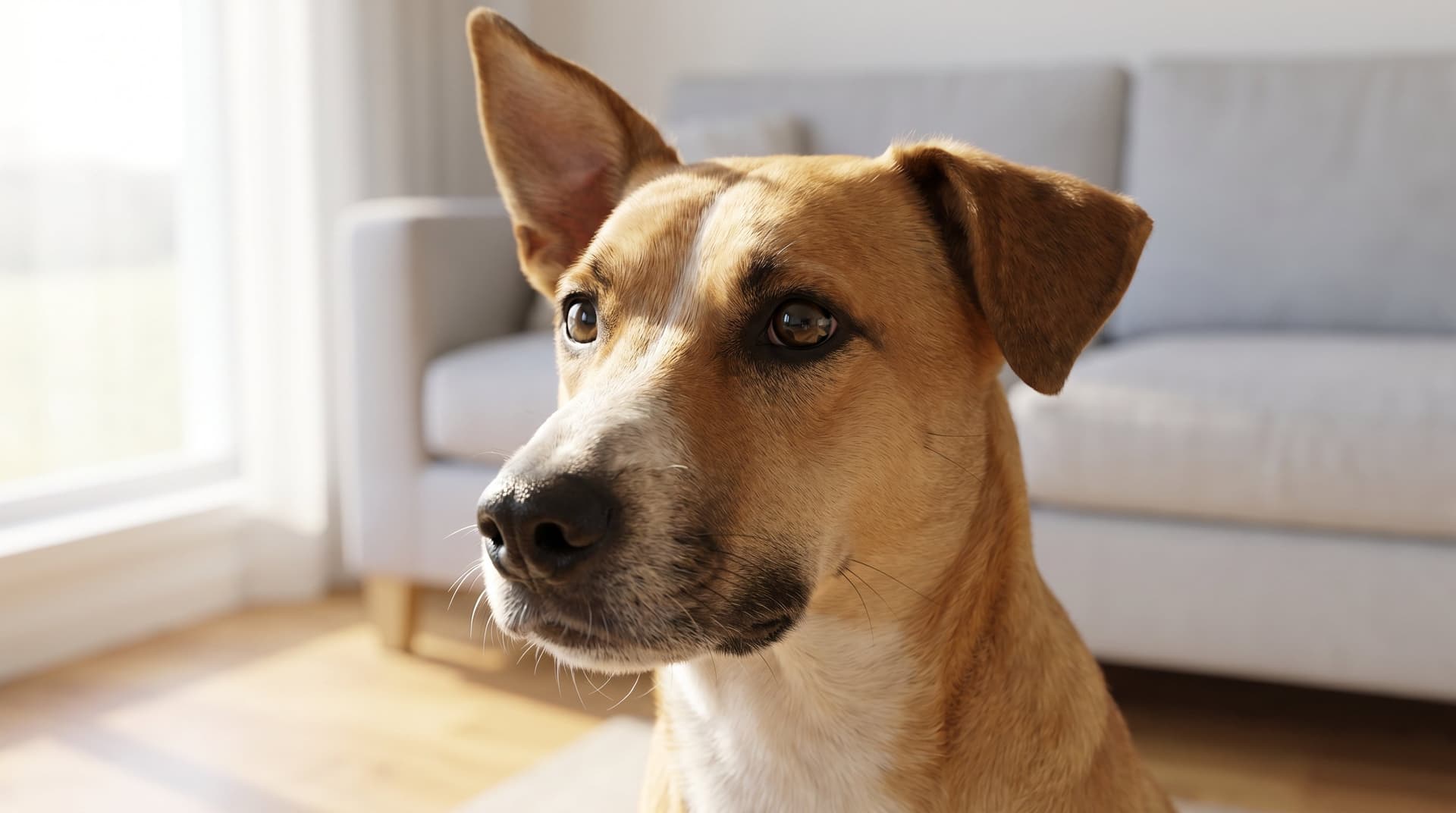
- Focus on the eyes and face. Front-facing or three-quarter shots show personality best. Avoid photos with heavy motion blur.
- High contrast helps the AI distinguish edges, good lighting is gold. Natural daylight or soft window light usually works best.
- Clean backgrounds simplify conversion. Busy patterns can create noisy pixels.
- Resolution: higher is better. A phone photo at 12MP is more than enough: avoid tiny social thumbnails.
Quick checklist before upload:
- Is the face unobstructed? (no paws over the snout)
- Can you clearly see both eyes or a distinctive eye and ear?
- Is the dog the main subject (not a tiny figure in a crowded scene)?
If you want inspiration or examples, our dog pixel art page shows how different crops translate into pixel styles. And if you're curious about dog features that matter for portraits, National Geographic's dog facts explain breed variations we often account for when preserving expression in a pixel portrait.
Prepare And Optimize The Image For Pixel Conversion
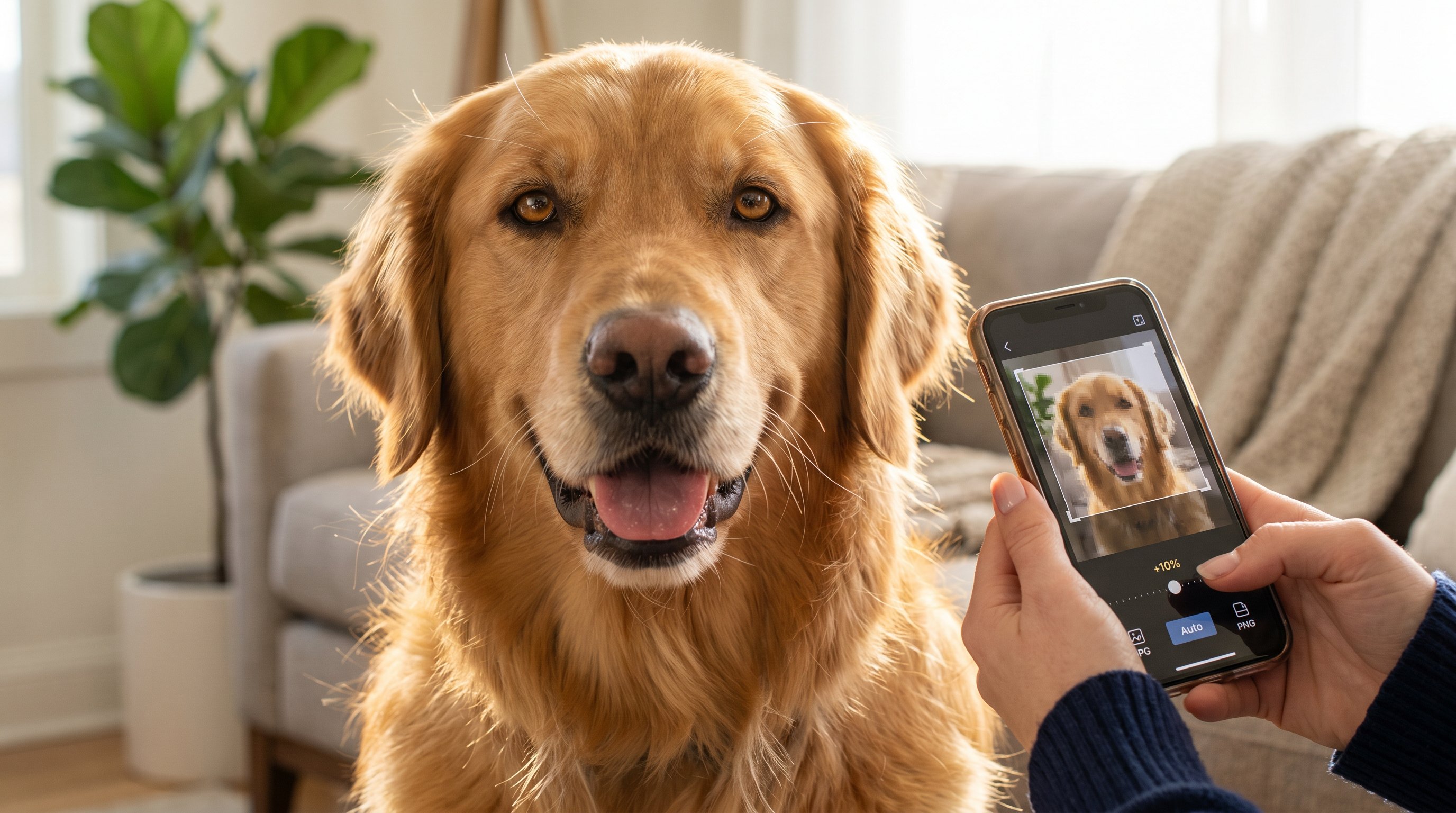
Why this step matters: Small tweaks before conversion give much better results. We recommend light optimization so the AI has clean input to work from.
Simple prep steps we use and recommend:
- Crop to the face and shoulders. Leave a margin for framing in the final art.
- Adjust exposure and contrast slightly, +5–15% contrast and minor exposure fixes help edges pop.
- Remove distracting background elements when possible, a simple blur or solid-color fill works.
- Save a copy as a high-quality JPG or PNG.
Tools we like:
- Quick edits on your phone camera app or Photos for simple crops and exposure.
- For more control, free editors like GIMP or online tools handle background blur or minor repairs.
If you prefer a one-click experience, our platform accepts full-size uploads and offers automatic optimization so you don't need editing skills. See pricing and turnaround details on our pricing page. For general dog care context while you prepare photos, the ASPCA dog care guide has tips for photographing a calm, happy dog.
Choose A Pixel Art Style, Color Palette, And Resolution
Why this step matters: Pixel art isn't one look, resolution and palette define the mood. Low-res 8-bit feels retro and playful: high-res pixel portraits keep detail and smooth gradients for a modern look.
Style and resolution choices we offer:
- Retro 8-bit (small canvas, limited palette), charming, gaming-inspired, great for avatars.
- Clean 16–32px-per-inch pixel portraits, balances recognizability with pixel charm.
- High-density 4K pixel portraits, preserves facial cues while keeping that pixel aesthetic.
Color palette tips:
- Limited palettes (6–12 colors) emphasize stylization and nostalgia.
- Expanded palettes (30+ colors) produce softer shading and more natural fur tones.
How we recommend choosing:
- For small prints or icons, pick retro 8-bit and a bold limited palette.
- For wall art or gifts, choose 4K pixel portraits with 30+ colors for better detail.
You can preview styles before committing, our dog pixel art gallery demonstrates palette and resolution combos on real dogs. If you want to compare product options and guaranteed output sizes, our order page describes available print sizes and framing choices.
Let The AI Transform Your Photo — What Happens Behind The Scenes
Why this step matters: Understanding the process helps you pick the right options and expect realistic outcomes.
What the AI does (plainly):
- It analyzes facial landmarks (eyes, nose, mouth) and silhouette to preserve identity.
- It reduces image information into pixel blocks while keeping contrast and key shapes.
- It applies your chosen palette, dithering, and edge smoothing to balance nostalgia and clarity.
Our model also runs quality checks to ensure eyes and nose are readable at the chosen resolution. We combine generative models with handcrafted rules so small breeds with long fur and big-eared mutts both retain their likeness.
Why we use 4K output: high-resolution pixel art keeps the pixel grid crisp at large sizes and gives you flexibility for prints, canvases, and social images without losing the retro character.
Curious about the science? For basic background about dogs and their anatomy that models use to prioritize features, Wikipedia's dog page offers helpful context on breed traits and morphology.
Download, Print, And Gift Your Pixel Portrait (File Types & Size Tips)
Why this step matters: Getting the right file type and size ensures your portrait looks perfect on any medium, from framed prints to phone wallpapers.
Recommended file types and uses:
- PNG (lossless), best for prints and digital preservation, keeps clean edges.
- JPG (high quality), good for online sharing and smaller file sizes.
- TIFF or PDF, available on request for professional printers or museum-quality framing.
Size tips:
- For wall art: deliver at 4K (3840×3840) or higher if you want oversized prints.
- For desktop/wallpaper: 1920×1920 is more than enough.
- For social thumbnails or avatars: export a scaled 512×512 PNG.
Printing and framing:
- Use matte paper for pixel portraits to reduce glare and accentuate the grid.
- For vibrant color fidelity, pick a printer with high color gamut or order our framed options directly when placing an order.
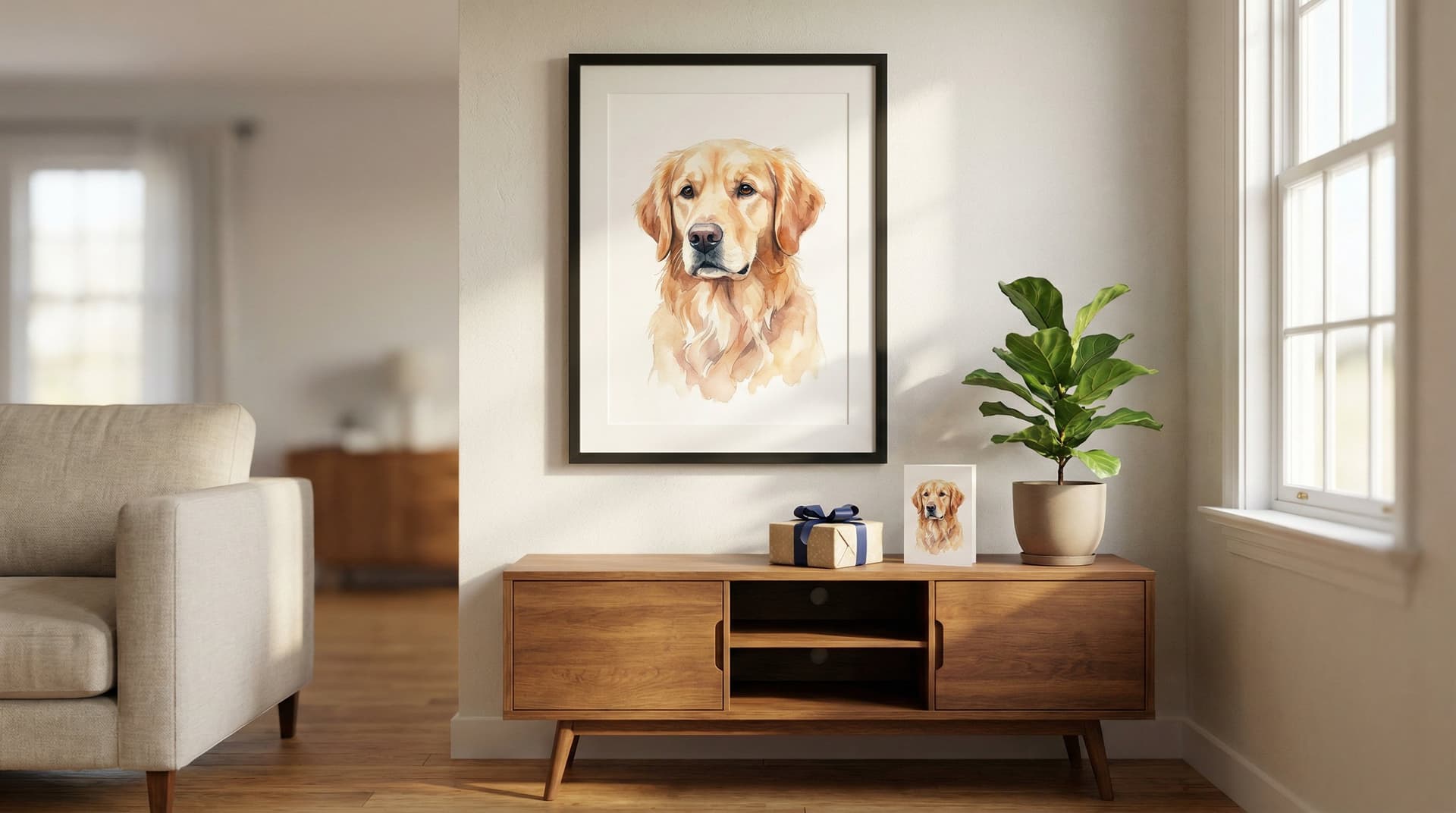
If you want framing inspiration or see finished pieces, browse our gallery for real-customer examples and display ideas. Our refund page explains our guarantee if you're not satisfied with the final art.
Tips, Best Practices, And Creative Uses For Your Dog Pixel Art
Why this step matters: A few creative choices can turn a portrait into a beloved heirloom or a viral share.
Top tips we recommend:
- Add a simple solid-color or patterned background to make the dog pop.
- Use contrasting collar colors in the palette to highlight identity.
- Consider a series: create pixel portraits of the whole family or each adopted dog for a cohesive gallery wall.
Creative uses:
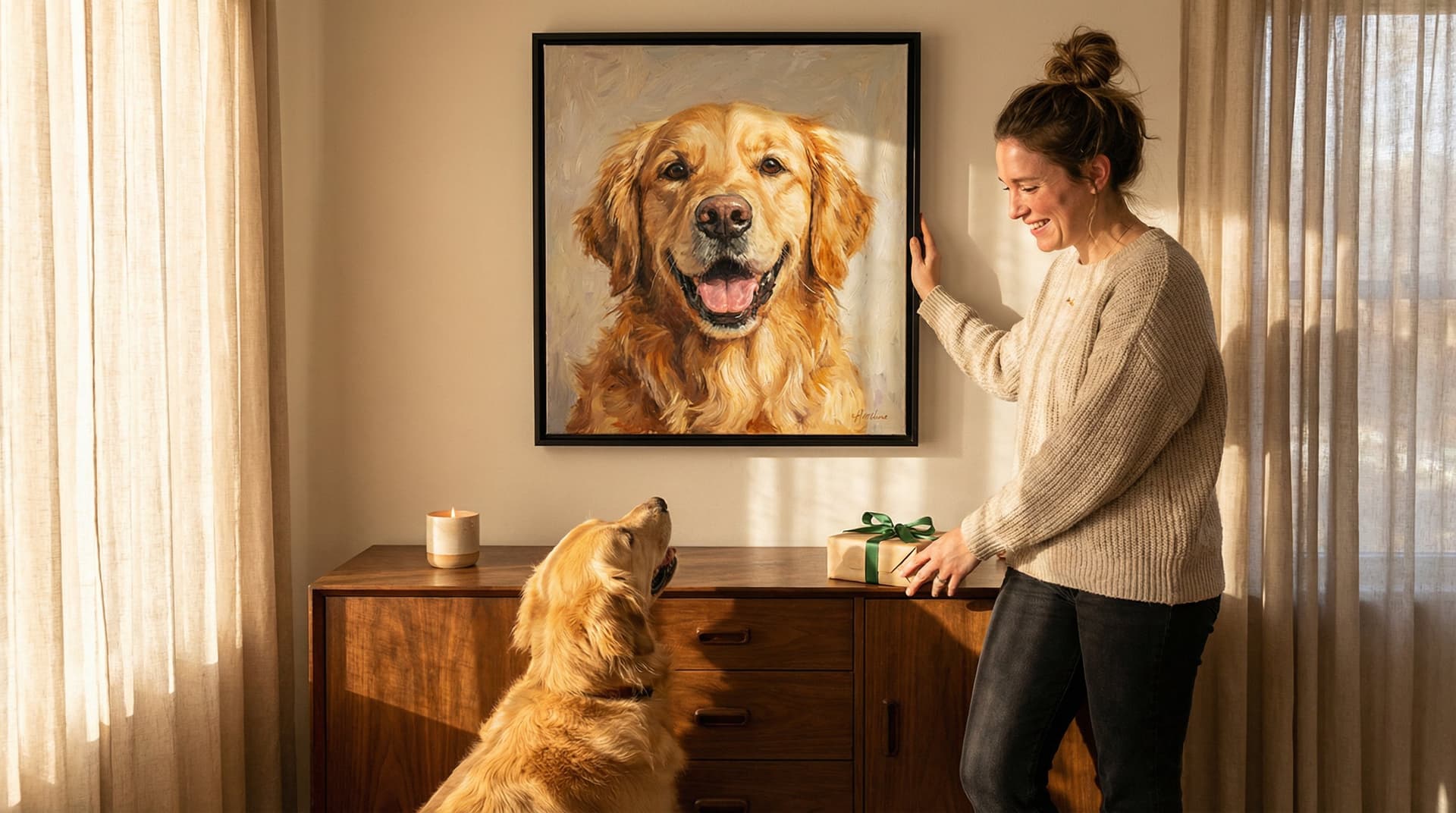
- Gift a matching set (print + phone wallpaper) for a friend who adores their pup.
- Use pixel portraits in adoption campaigns, pixelized hero images attract attention and shareability.
- Turn portraits into merchandise: stickers, pins, or custom keychains.
Impact and mission note: Every time we create art we're also supporting shelter partners and sharing success stories. If you want to read about who we are and why we do this, our about page explains our mission and support for rescues. For design ideas and printing packages, our pricing page lays out options and donation impact.
Troubleshooting: Fix Common Issues And Improve Results Quickly
Why this step matters: Small fixes often solve most problems and get you a better portrait without redoing everything.
Common problems and quick fixes:
- Result looks muddy: increase contrast slightly on the original photo and re-upload.
- Eyes lost in pixels: crop tighter to the face and choose a higher resolution pixel style.
- Background noise interfering: replace background with a plain or blurred fill before conversion.
- Color shifts: select an expanded palette or adjust white balance on the source image.
If something still looks off, we've built a fast feedback loop, upload an alternative shot or request a regenerate. Our FAQ covers typical questions about likeness and delivery: consult the faq page for step-by-step help. And if you're wondering how to use portraits for adopting or rehoming pets, the Animal Humane Society provides real-world examples of effective dog presentation and imaging for adoption listings.
Pro tip: keep a short sequence of 3–5 candidate photos from a single session, small changes in head angle can make a big difference in the final pixel result.
Frequently Asked Questions About Dog Pixel Art From Photo
What makes a good photo for creating dog pixel art from a photo?
A clear, front-facing or three-quarter photo with well-lit eyes, high contrast, simple background, and high resolution (like a 12MP phone photo) works best to preserve key features for dog pixel art.
How does the AI transform my dog's photo into pixel art?
The AI analyzes facial landmarks and the silhouette to keep your dog's identity, reduces details into pixel blocks, and applies your chosen color palette and style to create a balanced, pixel-perfect portrait.
What pixel art styles and color palettes are best for dog pixel art?
Retro 8-bit with limited colors suits small icons, while high-density 4K pixel portraits with 30+ colors are ideal for detailed wall art and gifts, capturing natural fur tones and facial cues.
Can I use dog pixel art for gifts and other creative projects?
Yes, pixel portraits make great gifts, can be used as social media avatars, or turned into merchandise like stickers and keychains, making them versatile and personal keepsakes.
How should I prepare my dog's photo before uploading for pixel art?
Crop to face and shoulders with margin, adjust exposure and contrast slightly, remove distracting backgrounds by blurring or solid colors, and save as a high-quality JPG or PNG file.
What file types and sizes are recommended for downloading and printing dog pixel art?
PNG is best for prints and preserving sharp edges; JPG suits online sharing. For wall art, 4K resolution (3840×3840) is ideal, while 512×512 PNG works well for avatars or thumbnails.